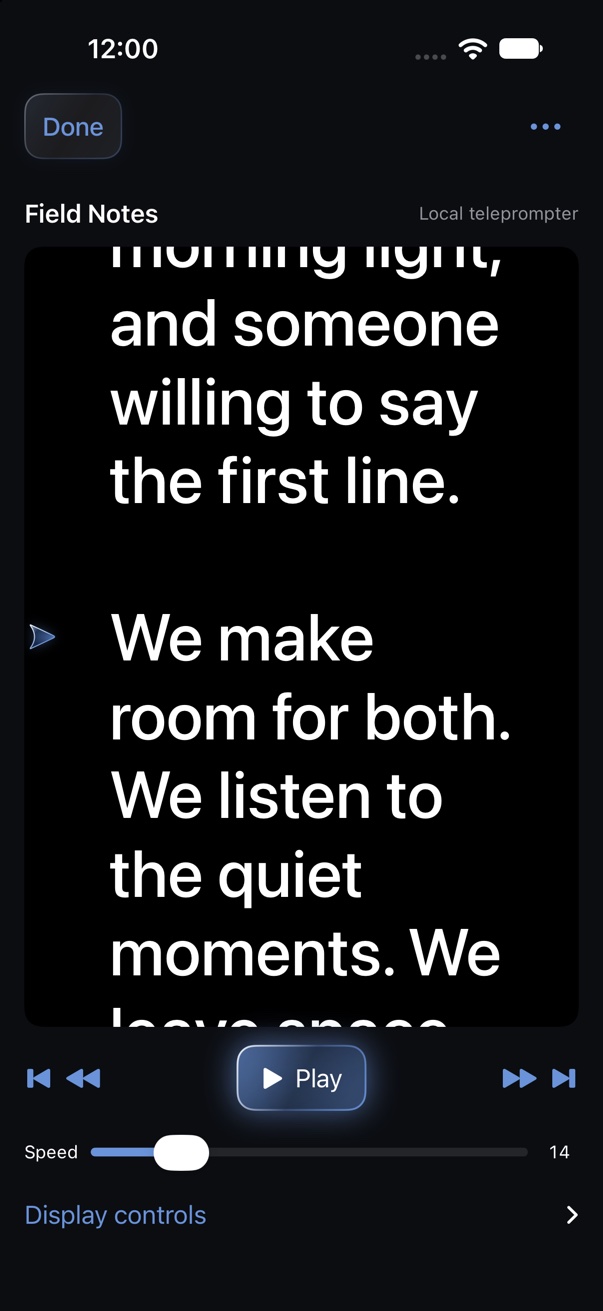
Read your script
Import a text-based PDF or TXT and review its plain text before you begin. Adjust reading speed, text size, direction and mirroring, jump between paragraphs, and follow the reading marker on your current line.
In the background, WrapSync imports a script, reads it in the teleprompter, shares it with an iPad, scans the camera's running timecode, records against it and wraps a PDF shoot report. The report then goes to Claude or Codex, which plans a rough cut for DaVinci Resolve or Premiere Pro.
What it does
Keep your script, shoot notes and editing handoff together, on iPhone and iPad.
Import a text-based PDF or TXT and review its plain text before you begin. Adjust reading speed, text size, direction and mirroring, jump between paragraphs, and follow the reading marker on your current line.
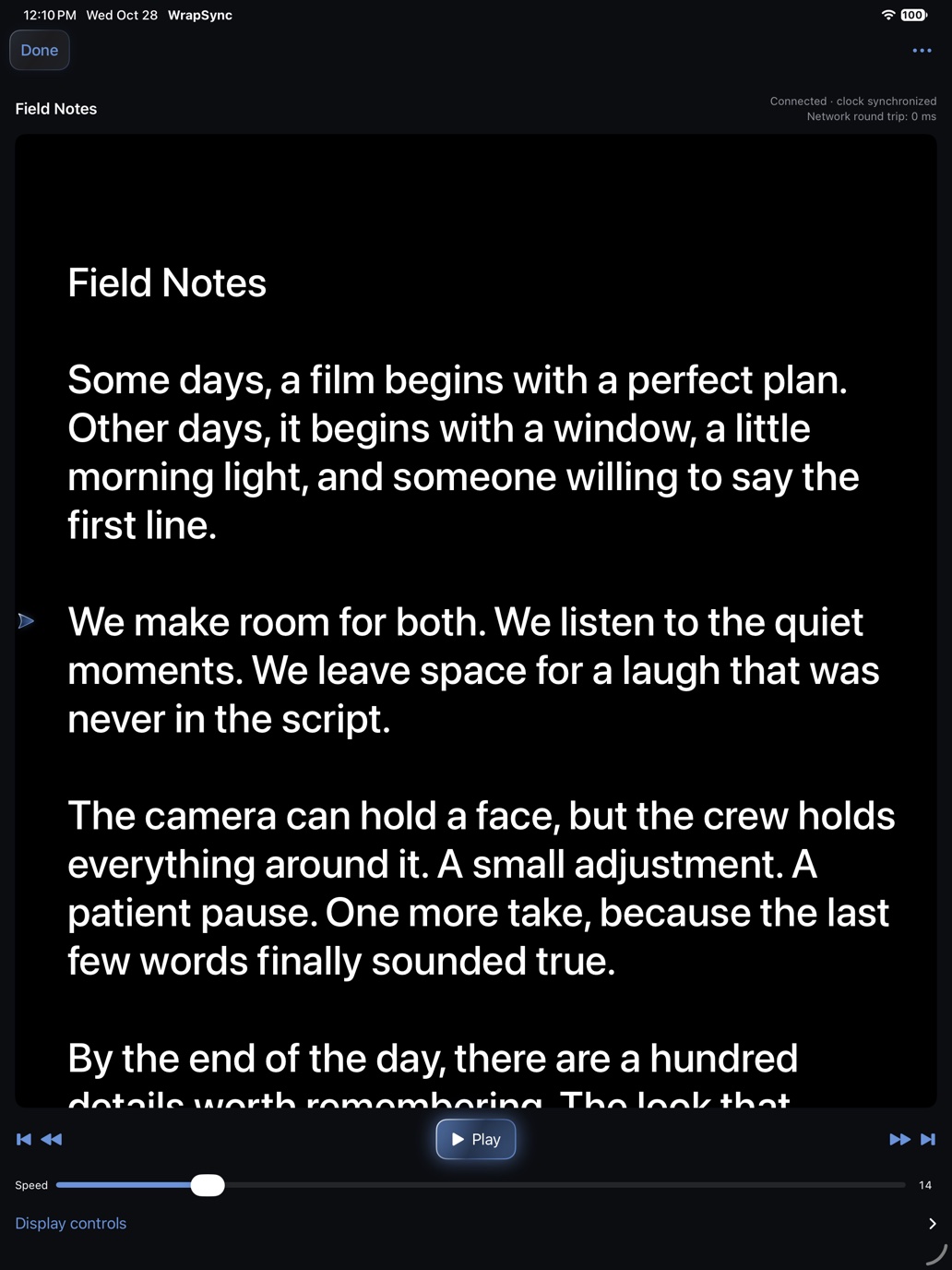
Host a nearby session and approve each device. Share the script and playback controls between iPhone and iPad. No account required.
Record original audio and build an English transcript with camera timecode. Scan a running timecode display or enter the start by hand, including separate 29.97 DF and NDF options.
Tap WRAP to finish transcription and prepare a PDF. AI review organizes take choices, script changes and editing instructions with quoted evidence, and can flag possible deviations from your script.
Export a selectable-text PDF with the AI summary, timecoded transcript, evidence references, source-audio map and reference script. Use it to plan the cut in DaVinci Resolve or another editor.
Find past shoots, share reports through the share sheet, and recover deleted shoots from Recently Deleted for 10 days.
Project modes
Choose how you’ll work each time you tap Start Project.
Read your script while recording timecoded audio, then wrap with a full shoot report.
Focus on the shoot: timecoded audio, the shoot log and the report after WRAP.
Read or share a script without starting audio recording.
Privacy
Recording and speech transcription happen on your iPhone or iPad. You choose how AI processing works.
WrapSync records original audio on the device that starts the shoot and builds the transcript there.
Use Apple Private Cloud Compute for summaries and script review on supported devices running iOS 27 or later, or choose on-device AI. With Private Cloud Compute, relevant transcript and script excerpts are processed by Apple.
Nearby sessions connect only with your approval. They share script text and playback controls, never microphone audio.
AI features require a supported device with Apple Intelligence enabled. Transcription is currently English. AI findings and recognition can be inaccurate; review them against the original audio. Optical and manual timecode sync are approximate and are not LTC or genlock. Daily cloud usage limits apply.
Download WrapSync for iPhone and iPad.
On your computer? Scan with your iPhone camera to open the App Store.